⚙️ Settings Manager
The Settings Manager provides access to system-wide configuration parameters: site name, currency, payment options, cart limits, and more.
Path: Sidebar → System → Settings Manager
📋 Settings List
The main table shows all settings with Key, Value, and Type columns (string, boolean, json).
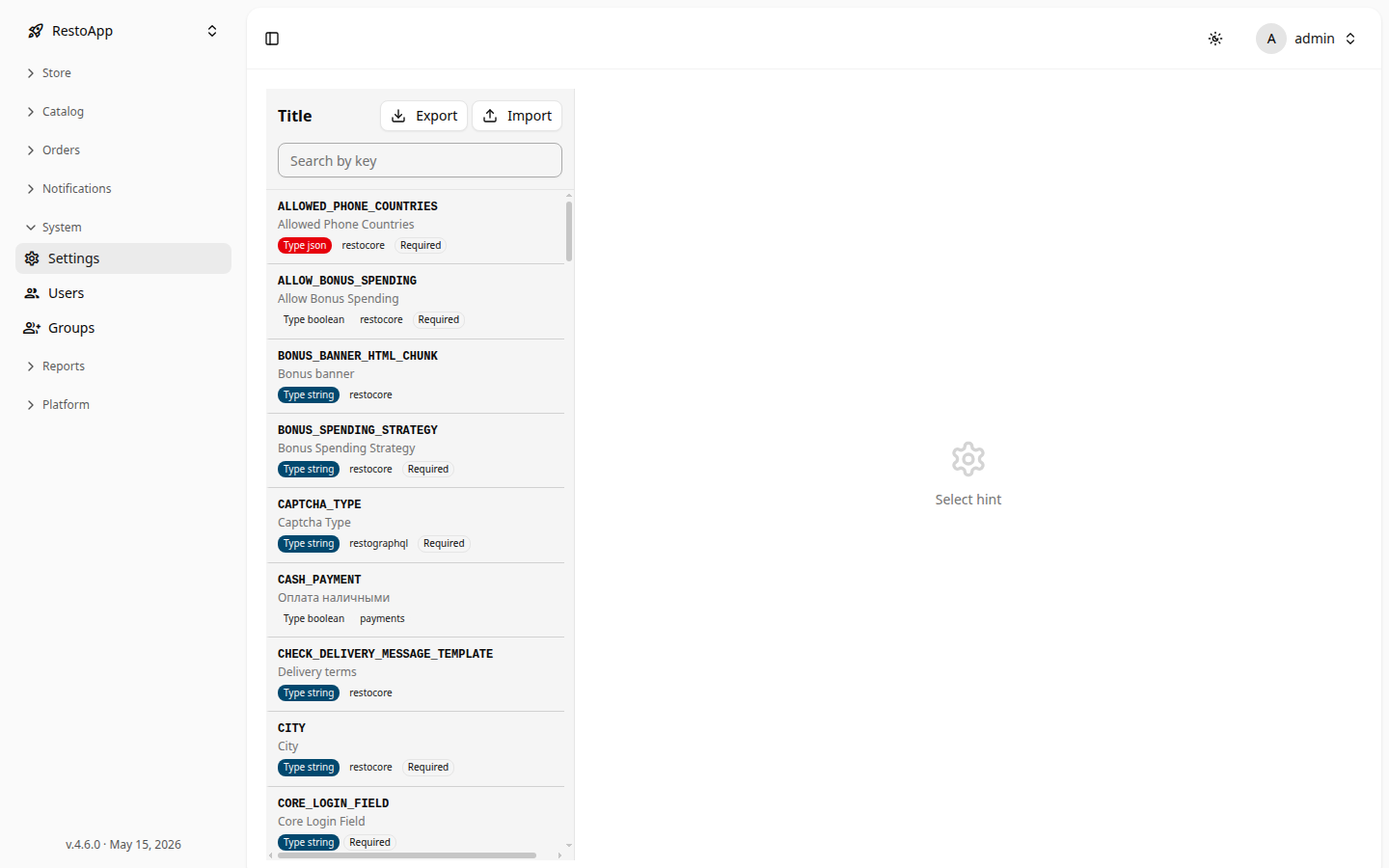 Figure 1: System settings list with type badges.
Export saves all settings to a JSON file. Import loads settings from a JSON file (overwrites existing values).
✏️ Editing a Setting
Click any row to open the edit panel on the right showing the key (read-only), description, type, and a value input (boolean toggle for boolean type, text field for string/json).
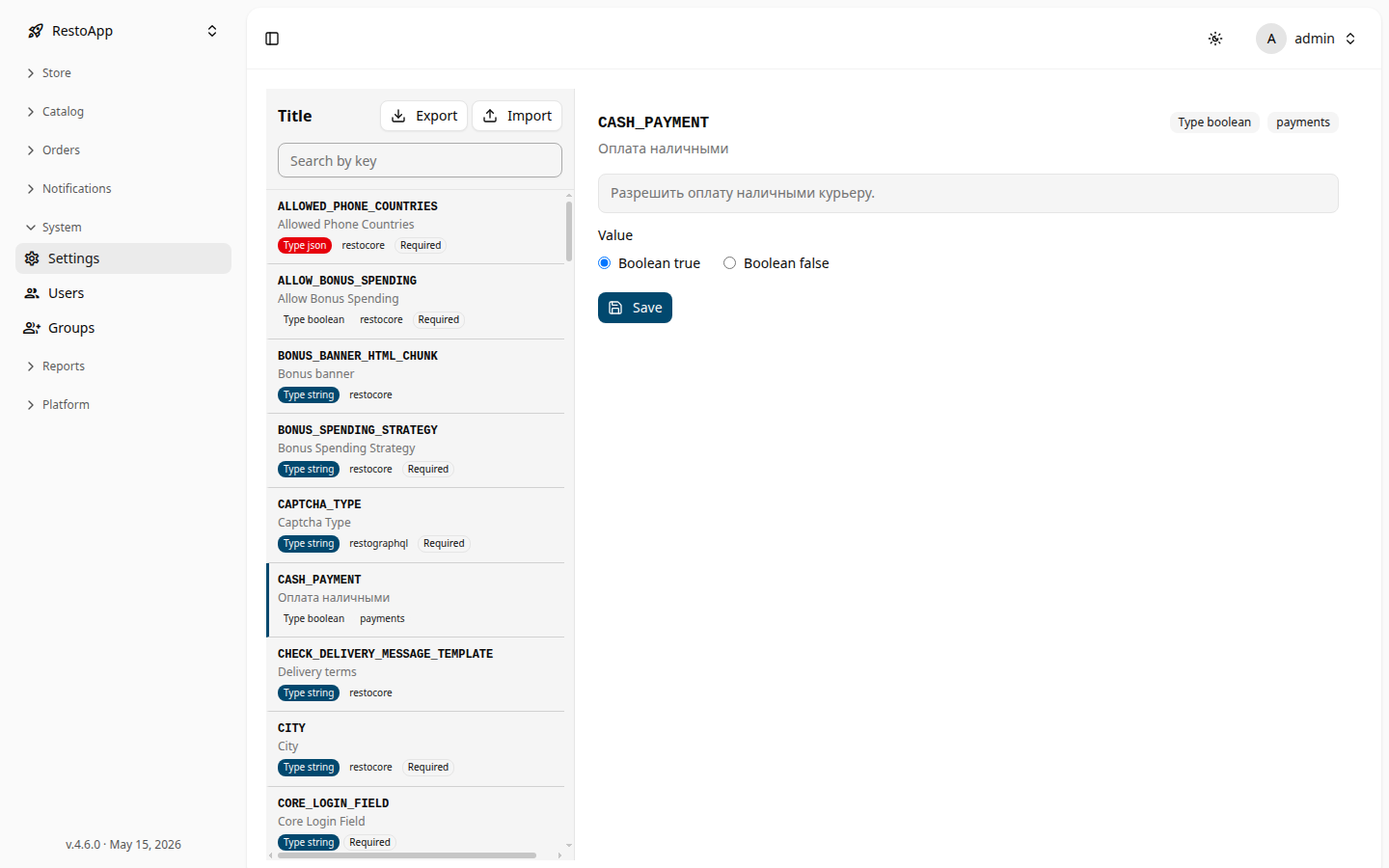 Figure 2: Edit panel with boolean toggle and Save button.
Click Save to apply changes.