📊 Orders Report
The Orders Report provides a summary of orders for a selected period, broken down by platform and status.
Path: Sidebar → Reports → Orders Report
📅 Period Selection
Use the ‹ › arrows to navigate months, or set a custom From / To date range and click Apply.
📈 Summary Table
Each row represents a platform (order source). The Total row at the bottom aggregates all platforms.
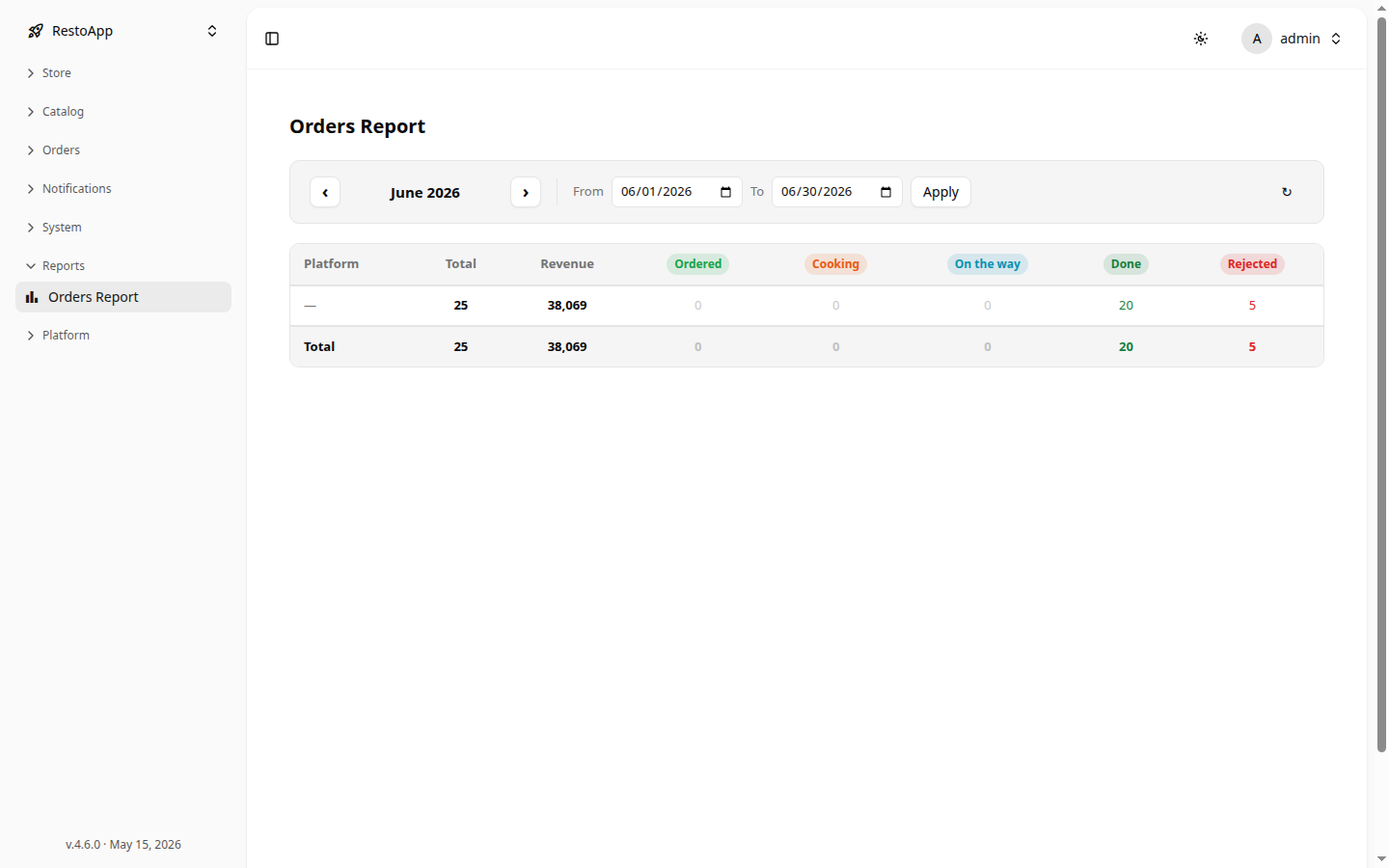 Figure 1: Orders Report for June showing totals by status.
| Column | Description |
|---|---|
| Platform | Order source name, or — if unset |
| Total | Total number of orders |
| Revenue | Total revenue |
| Ordered | Orders placed but not yet confirmed |
| Cooking | Orders in preparation |
| On the way | Orders out for delivery |
| Done | Completed orders |
| Rejected | Cancelled orders |