🔔 Notifications Manager
The Notifications Manager lets you monitor all notifications sent to users, filter by status or group, and retry failed deliveries.
Path: Sidebar → Notifications → Notifications
📋 Activity (History)
The Activity tab lists all sent notifications with columns: recipient, status (sent / failed), group, and timestamp.
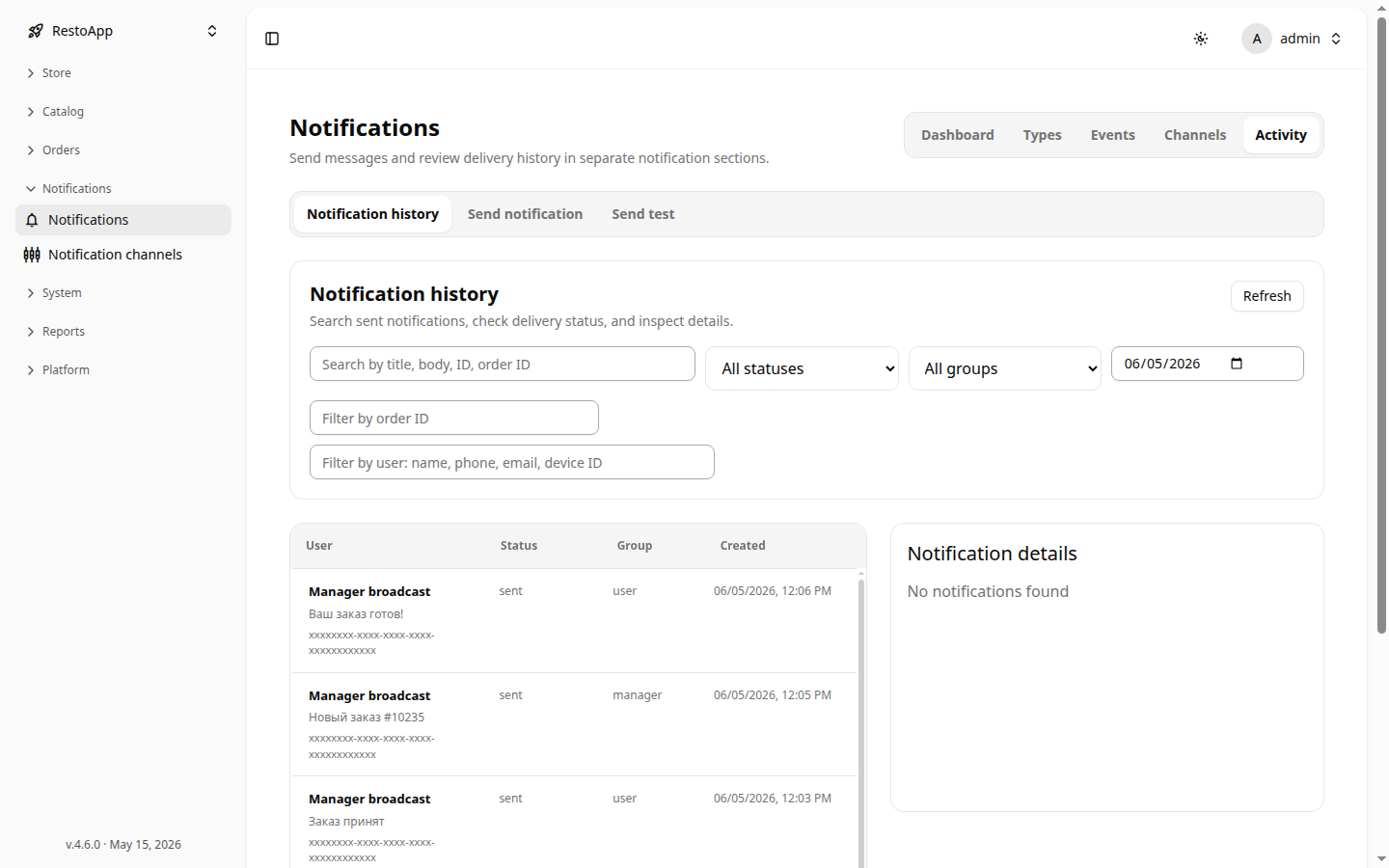 Figure 1: Notification history with filters.
Filters: free-text search, status, group, date range. Use the Refresh button to reload.
🔍 Notification Details
Click any row to open the Notification details panel on the right, showing title, body, status, group, spent cost, delivery attempts, and ID.
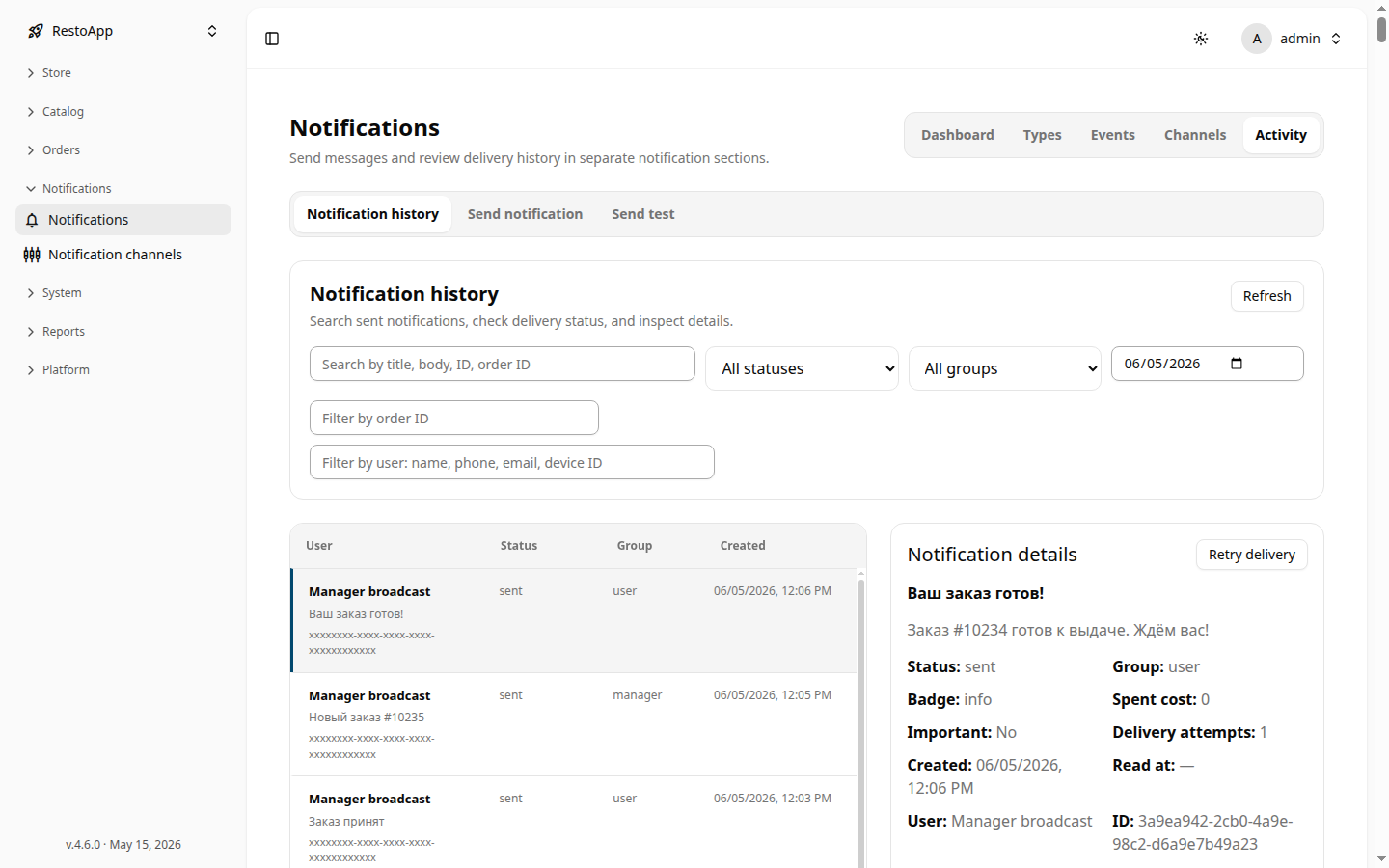 Figure 2: Notification detail panel with Retry delivery button.
Retry Delivery
If a notification has failed status, click Retry delivery to re-attempt sending through all configured channels.