🔥 FCM Settings (Push Notifications)
The FCM Mobile push page configures Firebase Cloud Messaging for sending push notifications to iOS and Android devices.
Path: Sidebar → Platform → FCM Mobile push
📋 Channel Status
The page header shows Not configured or Configured depending on whether a service account key is uploaded.
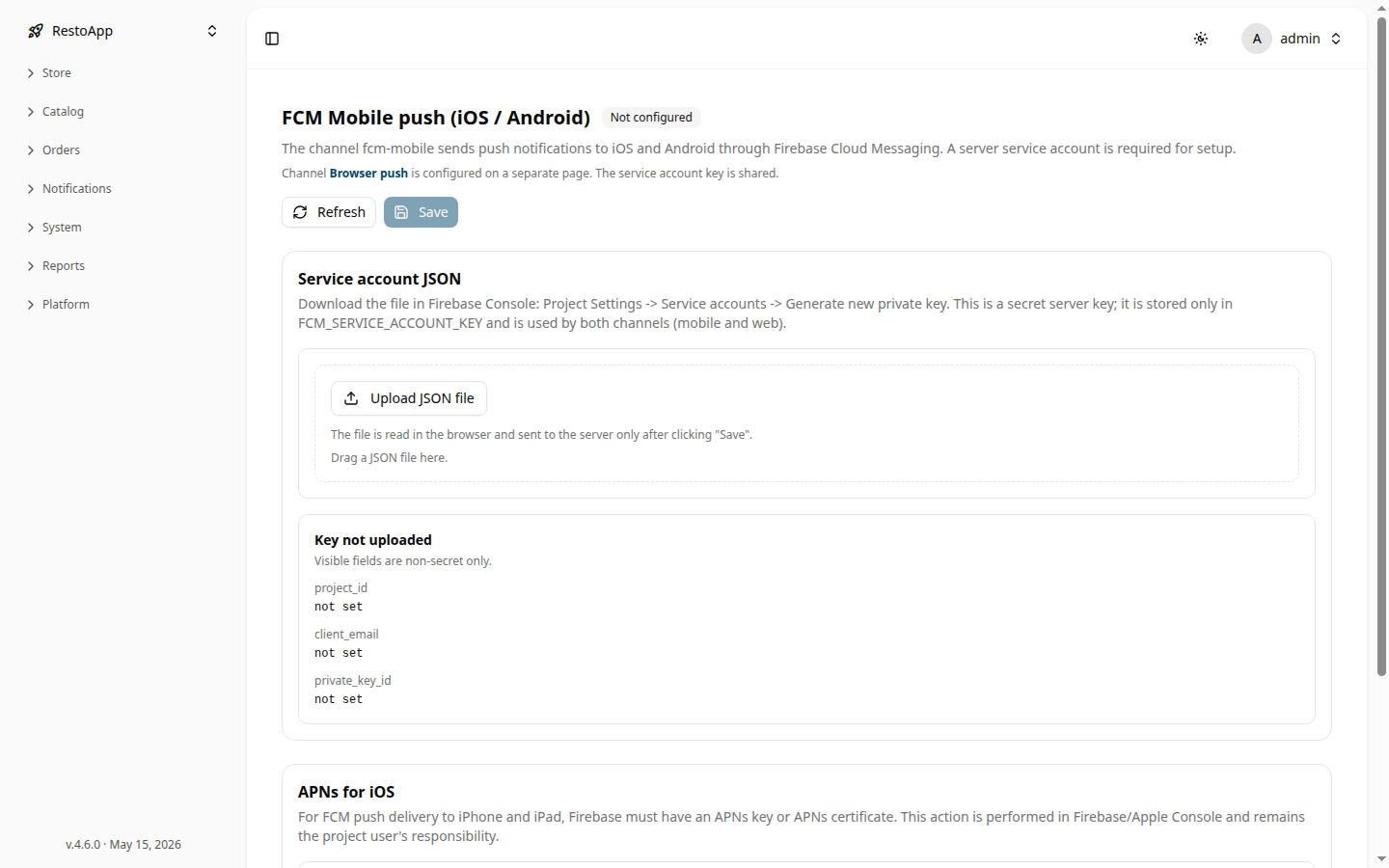 Figure 1: FCM Mobile push configuration page.
🔑 Service Account JSON
- Open Firebase Console → Project Settings → Service accounts
- Click Generate new private key to download a JSON file
- Click Upload JSON file (or drag-and-drop) on this page
- Click Save
After upload, the Key block shows non-secret fields: project_id, client_email, private_key_id.
Note: The Browser push channel uses the same service account key and is configured on a separate page.
🍎 APNs for iOS
APNs (Apple Push Notification service) configuration is handled in Apple Developer Console / Firebase Console and does not require action in this interface.