👥 Users and Groups Management (Access Permissions)
This section covers administrative accounts and configuring access permissions via groups. All these settings are located in the Platform tab.
👤 User Management
To manage accounts, navigate to Platform -> User. Here, you'll see a list of all users who have access to the management panel.
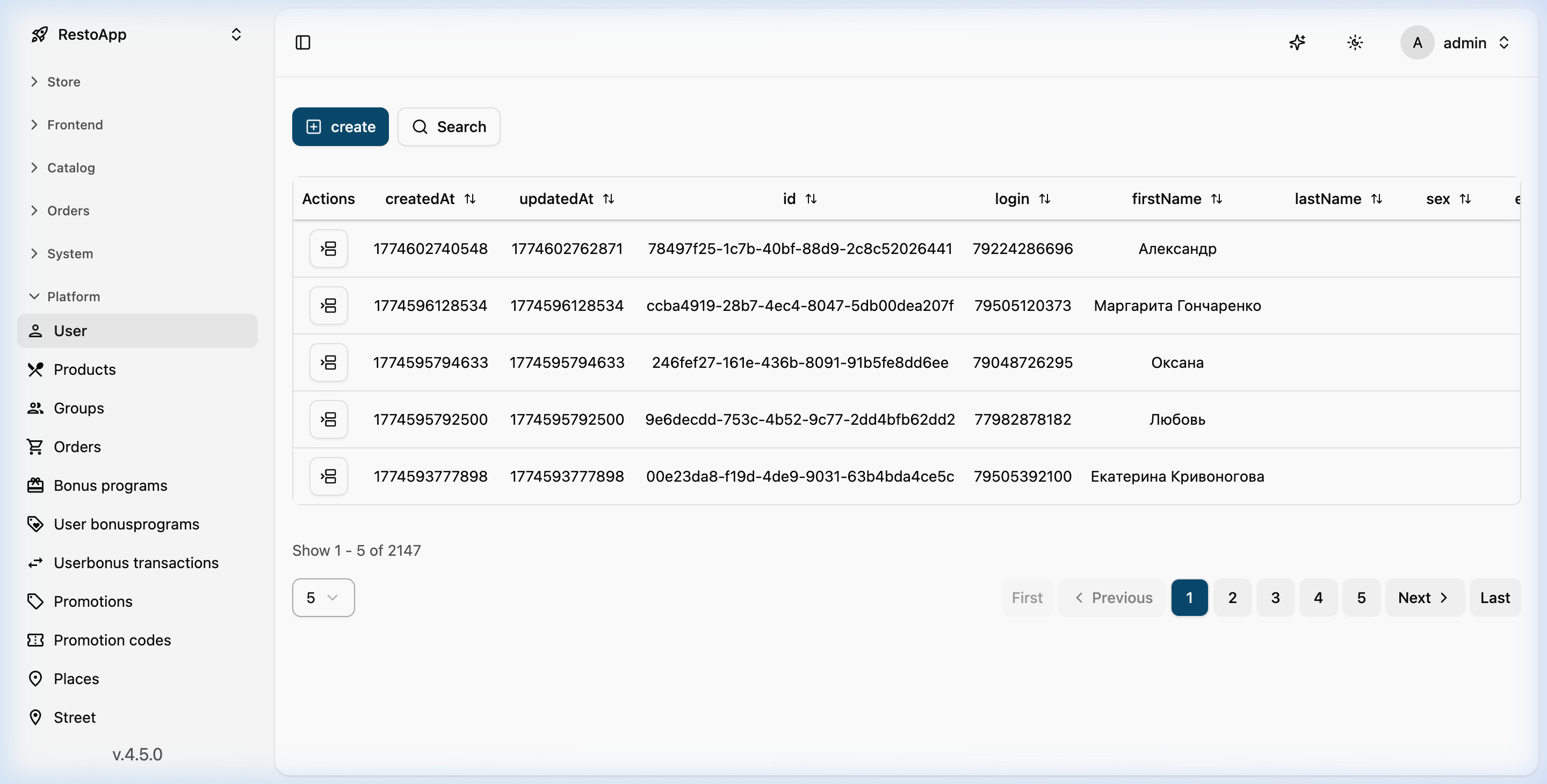 Figure 1: General view of the user list in the Platform section.
User Actions: Using the action menu for each account, you can: * View user profile. * Edit data (name, email, password). * Delete accounts.
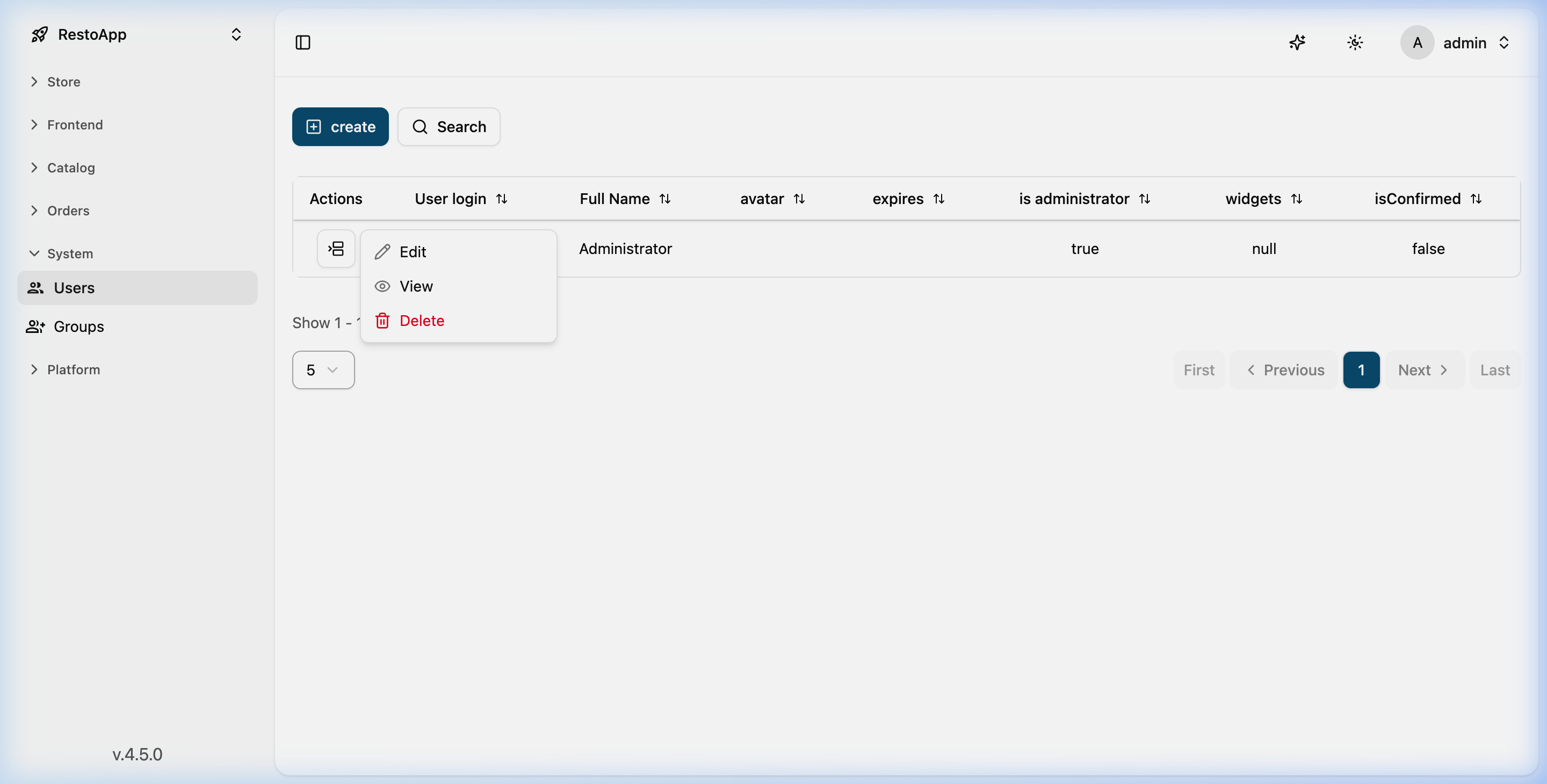 Figure 2: Drop-down action menu for a specific user.
🛡️ Groups and Access Rights
Instead of configuring permissions for each user individually, the system uses Groups. You create a group with a specific set of rights and then simply add the necessary users to it.
The section is located in Platform -> Group.
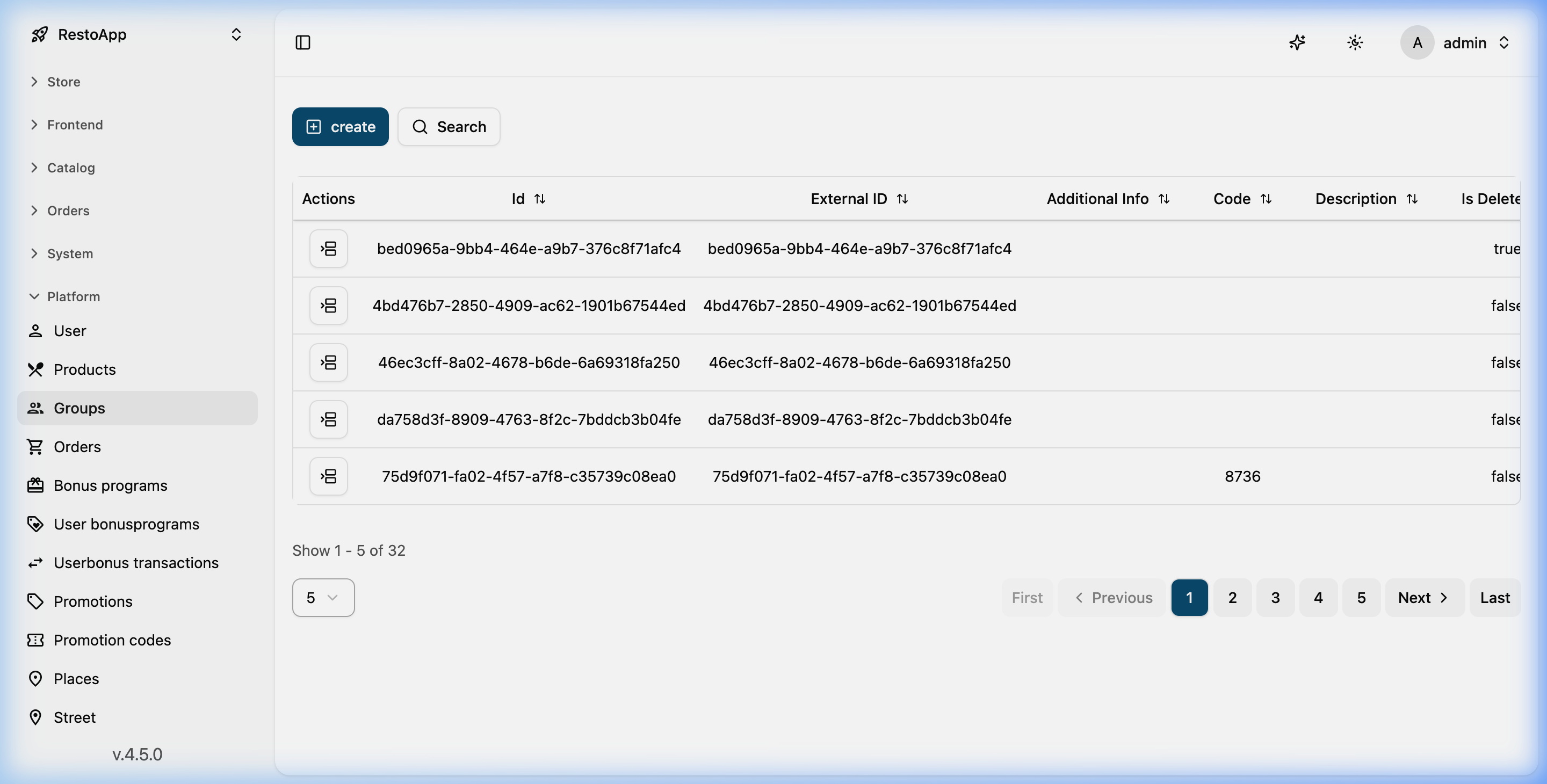 Figure 3: List of existing groups in the system.
Configuring the Permission Matrix
For each group, you can configure a detailed permission matrix for every data model (dishes, orders, customers, etc.).
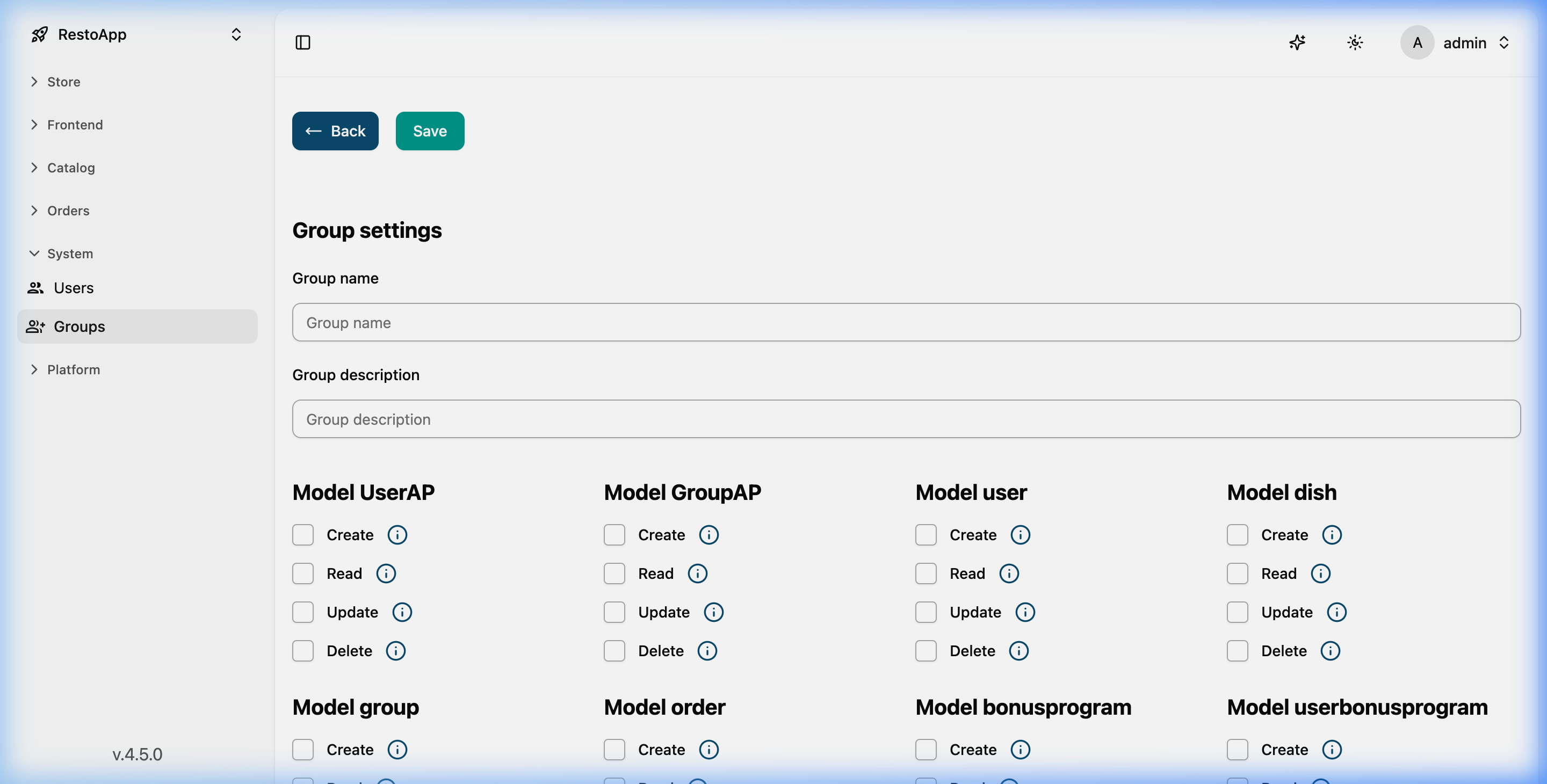 Figure 4: Detailed configuration of rights (Create, Read, Update, Delete).
Access Levels: For each entity in the system (Dish, Order, Category, etc.), you can specify: 1. Create: Ability to add new objects. 2. Read: Access to view data. 3. Update: Rights to edit existing data. 4. Delete: Ability to remove objects from the database.
[!IMPORTANT] Assigning a user to multiple groups sums their permissions. Use caution when granting Delete permissions.