📋 Order Management
The administration panel offers two modes for managing current orders: Kanban and Stack.
[!IMPORTANT] The Kanban mode is planned to be removed in future updates. The User Manual focus is on the Stack mode, which will remain the primary view.
📚 "Stack" Mode
The "Stack" mode provides a compact table view of all current orders, optimized for high volumes.
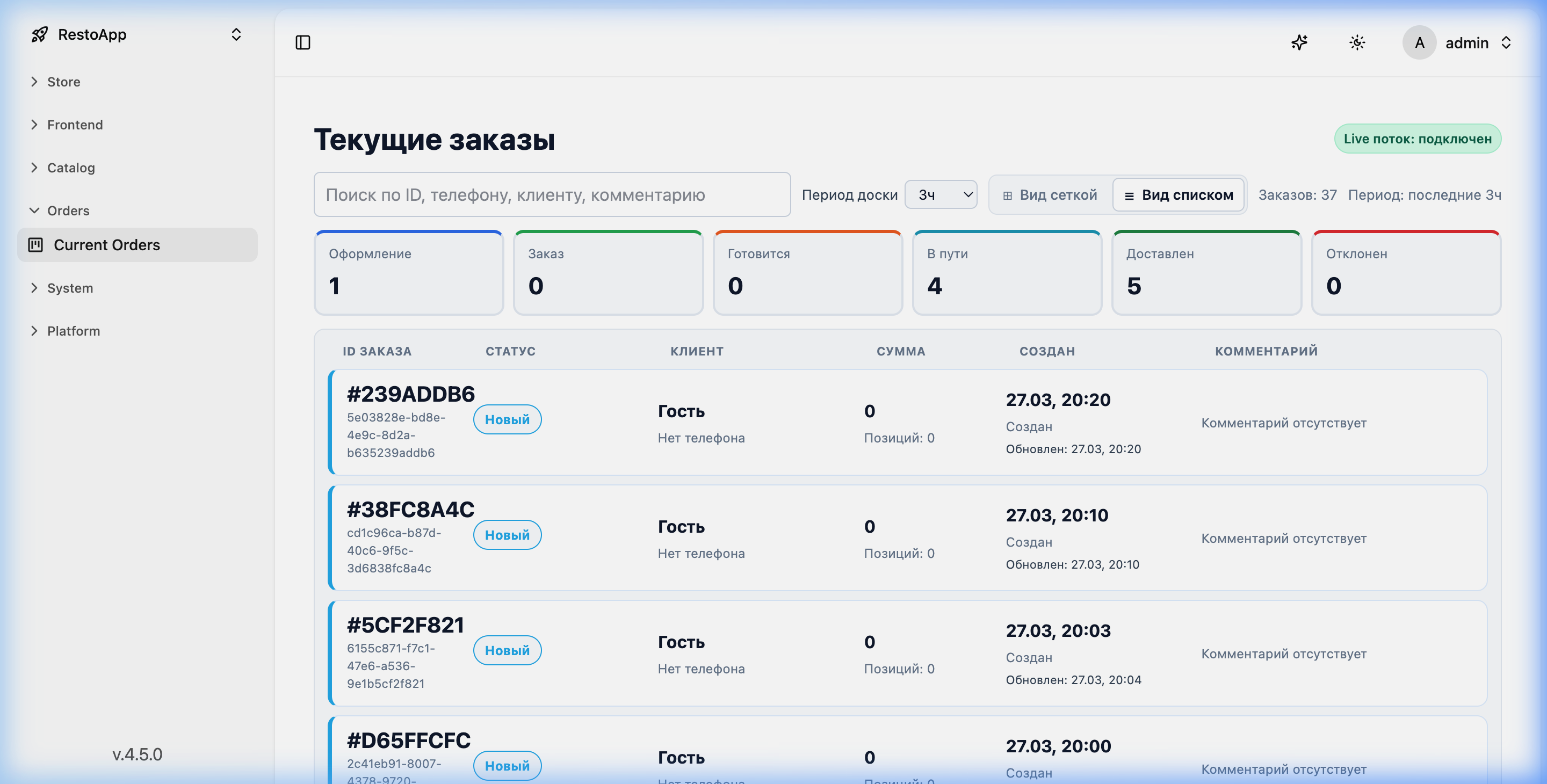 Figure 1: Orders in "Stack" mode (list).
Key information columns: * ORDER ID: Unique order ID and short hash. * STATUS: Current status (e.g., "New"). * CUSTOMER: Name and phone number. * TOTAL: Total order amount and item count. * CREATED: Creation date and time. * COMMENT: Additional notes from the customer.
🚀 Order Flow
While the Kanban view (shown below for context) visualizes the standard flow, the server-side logic remains identical for both views:
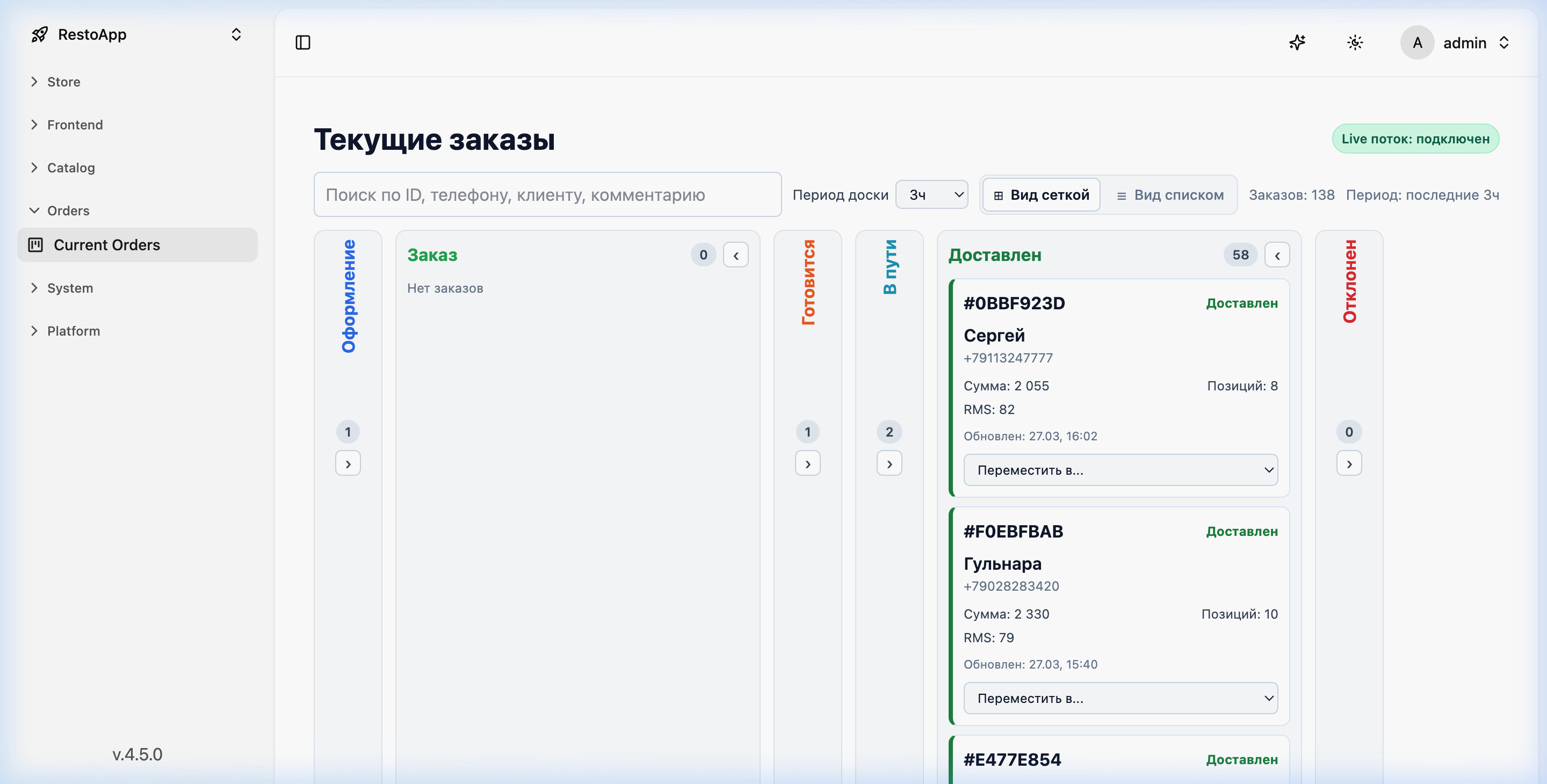 Figure 2: Order flow visualized in Kanban mode.
Standard flow: 1. New: Order created but not yet confirmed. 2. Order: Order confirmed, awaiting preparation. 3. Cooking: Kitchen is preparing the food. 4. On the way: Courier has picked up the order. 5. Delivered: Customer has received the order. 6. Rejected: Cancelled orders.
In "Stack" mode, these statuses are reflected in the STATUS column and can be filtered using status cards at the top of the interface.